
alias ~~~=":<<'~~~sh'";:<<'~~~sh'
This Markdown files is also an executable Bourne Shell script. Here’s the shell command that it will run:
vim -M "$0"Which will view this file in vi.
❗️ If you don’t know
vidon’t panic. Just type:qand press return. Without the back-ticks.
- type a colon
- then type q
- then press return
Then you can continue reading here. It it fails, your probably were still holding down the shift key when you typed the q. It must be lowercase. Try again…
The key is the first two lines of the file.
# Shell scripting with Markdown documents

	alias ~~~=":<<'~~~sh'";:<<'~~~sh'

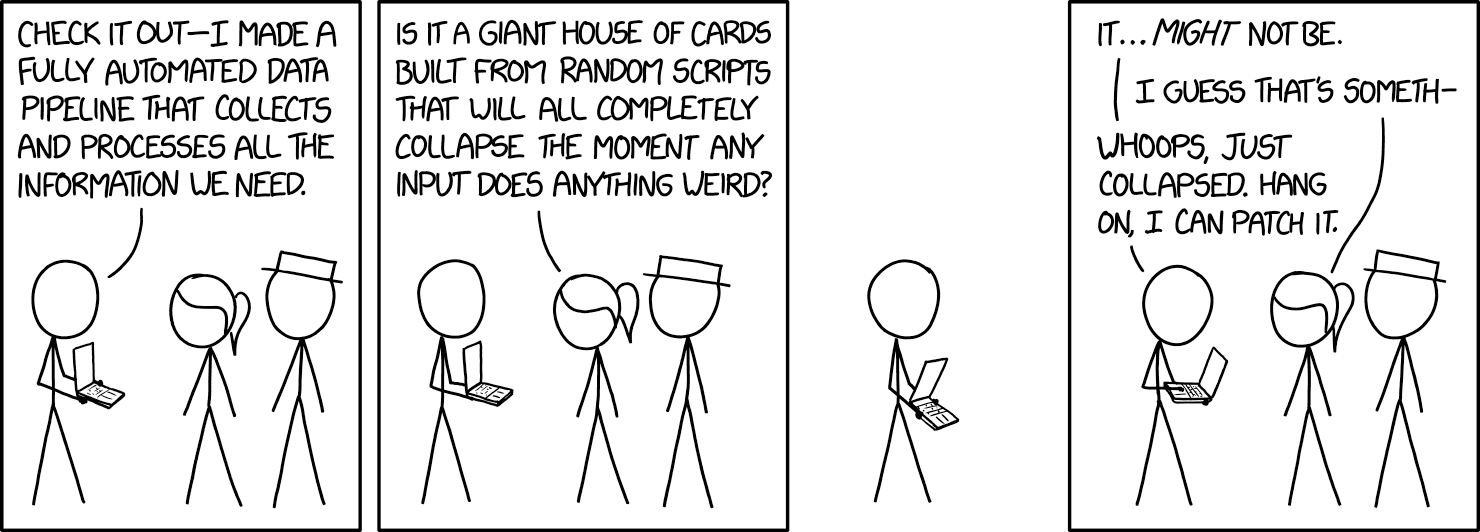
![][xkcd-2054]

[xkcd-2054]:  https://imgs.xkcd.com/comics/data_pipeline_2x.png
The first line, the file header, is treated as a comment by the shell. If fact headers are the only Markdown that can come before the second line.
The alias ~~~=":<<'~~~sh'";:<<'~~~sh' is the key to the whole file.1 It causes anything encased in a code block like this
~~~sh
# code goes here…
~~~
to run as part of the shell script; and everything else to be ignored.
Note that the code block must look exactly like that (three tildes; not backticks) to work. Using a different number of tildes or a different code block descriptor (like bash) requires changing the alias statement accordingly and is left as an exercise for the reader.
echo That’s it! Thanks…Looking at each part of the command:
alias ~~~=":<<'~~~sh'";:<<'~~~sh':is a built-in shell command that ignores all of its arguments (and standard input) and simply returnstrue.<<indicates a Here document — passing all of the lines that follow it into the standard input of that command until it encounters its delimiting identifier on its own line.’~~~sh’is the delimiting identifier being used to indicate the end of the current Here document. Specifically, the identifier is~~~sh. Surrounding it with single quotes ensures that the shell does no substitution or command execution on the Here document content.aliassets this sequence to be executed whenever the shell see~~~.
The result is that when the shell encounters the expression ~~~ it begins discarding every line that follows until it encounters a fenced code block that begins with ~~~sh. It then resumes execution with the content of that code block.
;ends the alias command so that we may then execute the next one.:<<'~~~sh'is the exact same as the alias we just set. But, because shells execute their scripts line-by-line, the alias won’t take effect until after this line. To work around this limitation we just spell out the command to skip to the first code block that we wish to run.
Any code block that you do not want executed can simply use a different code-block style. For example, when discussing the alias command, above, it was written as
## How does it work?

Looking at each part of the command:

```sh
alias ~~~=":<<'~~~sh'";:<<'~~~sh'
```
to ensure that it wasn’t mistaken for part of the script.
If you have done a chmod +x on the file then it can be run like any other command. Although doing so might do strange things to file’s icon in your file browser.
Normally these script are run by prefixing them with the shell name to run them in2
sh 'Markdown Shell Scripting.md'Note that using the bash source command will not work as the file must be interpreted as a sh script. Not a bash script. Even if the sh executable on your system is just a symlink to bash it makes a difference.
Or you could just add a
#! /usr/bin/env shat the top..
Many people will want to include a #! (shebang) line at the top, but it is not strictly necessary.
Some people may wish to point out that a file without a shebang line is not technically a valid executable and is therefore not portable. Not only are they missing the point of how frickin' awesome this is, but they are also technically incorrect. (The best kind of incorrect!)
You see, POSIX 2008.1-compliant shells are required to treat shebangless text files as shell scripts — and you wouldn't want to use a non-POSIX-compliant shell, would you? (Even busybox is compliant enough!) For that matter, since POSIX.2008-1, the "treat other files as a shell script" behavior applies to
execvp()andexeclp()as well.So the only time a non-shebang file is in any danger of failing execution is when it's being executed in a non-POSIX environment or by a program that doesn't use those functions to do the exec. (And in such cases, you can simply prefix your command string with
envorshor whatever!) So don't let this detail get in the way of how awesome it can be to mix markdown and shell scripting.(You can also just use a shebang line, if it bothers you that much or yours or your users' environment sucks that hard and you don't mind your markdown file having a huge heading saying
!/usr/bin/envor some such. The point is, think about your use cases instead of just blindly opting for one path or another.)
Also note that when posting Markdown files as a Github gist, if the file begins with a #! it will be rendered as a shell script. Regardless of the .md extension in the file name.
Note that the source of the quote above has a slightly more complicated (but more flexible?) version of this technique.
- Putting an xkcd comic at the top of your script is not required, but highly recommended.3
- Apologies for any time lost trying to find the perfect comic.
- And for any time lost reading through explanations of various xkcd comics.
- At least it wasn’t a TV Tropes link…
- Apologies for any time lost browsing TV Tropes.
Footnotes
-
It does not need to be indented, but doing so increases it’s readability as Markdown. ↩
-
I like to use the
dashshell when developing the scripts just to ensure that no “bash-isms” creep into my code. Even when running in compatibility mode, certain extensions are allowed bybash. If that happens, your script will seem to be fine until one day it is run on a system that does not use a symlink tobashas itssh↩ -
xkcd comics are licensed under a Creative Commons Attribution-NonCommercial 2.5 License. ↩


best markdown tutorial ever
very helpful