
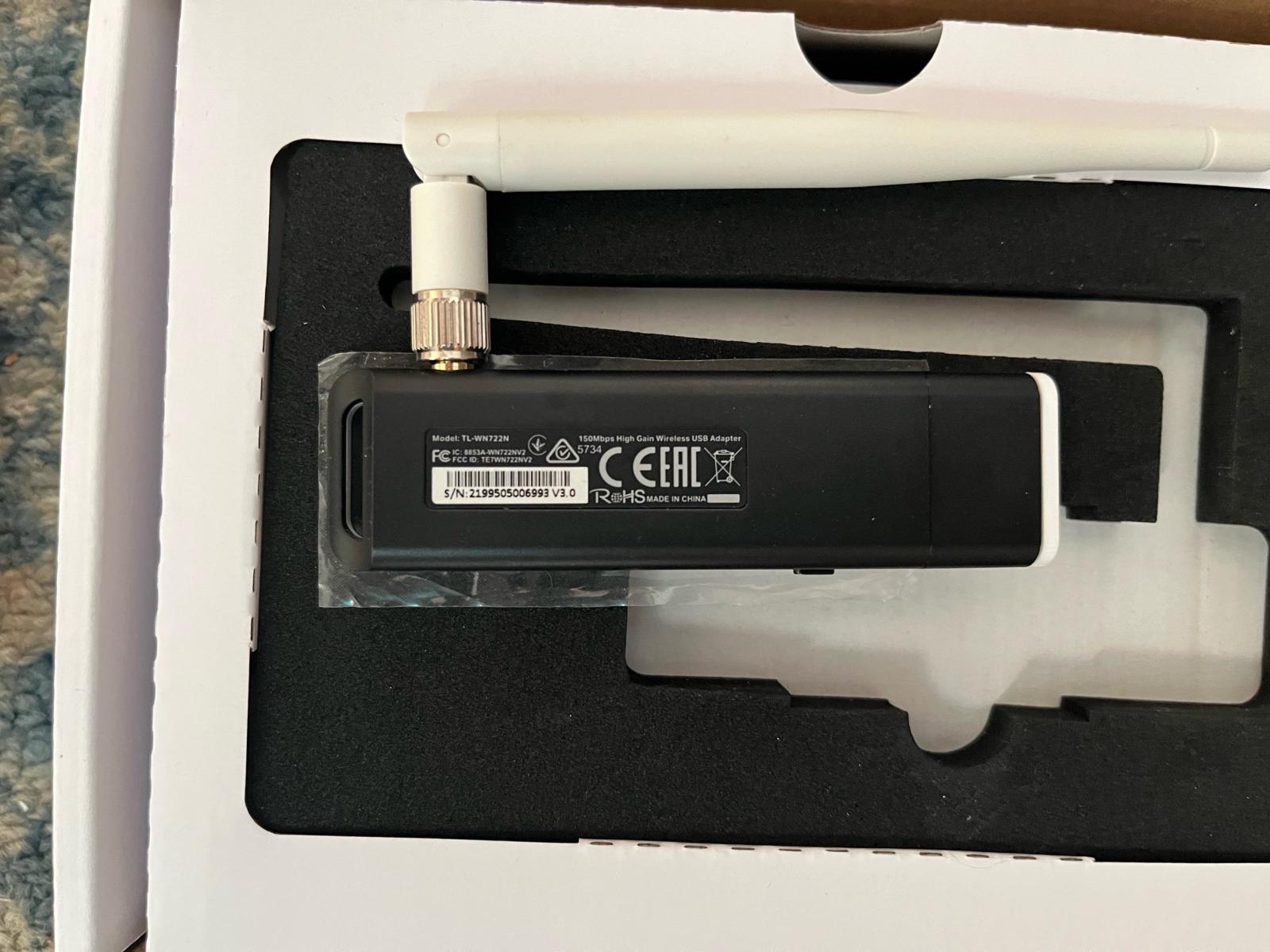
- Chipset: Realtek RTL8188EUS
- Vendor ID (VID): 2357
- Product ID (PID): 010C
- Interface: USB 2.0
- Standar Wi-Fi: 802.11 b/g/n (2.4 GHz)
- Antena: 4dBi
- Kecepatan Maksimal: 150 Mbps
# update repositori kali linux
sudo apt update

# instal dependensi yang dibutuhkan
sudo apt install -y build-essential bc libelf-dev git dkms linux-headers-$(uname -r) realtek-rtl8188eus-dkms

# blacklist modul yang bapuk
echo 'blacklist rtl8xxxu' | sudo tee -a /etc/modprobe.d/realtek.conf

# unload modul yang bapuk
sudo rmmod rtl8xxxu

# load modul baru yang sudah diinstal
sudo modprobe 8188eulsmod | grep "8188eu"Aktifkan mode monitor:
sudo airmon-ng check kill
sudo airmon-ng start <interface>
Tes kemampuan packet injection:
sudo aireplay-ng --test <interface>Scan Wi-Fi:
sudo airodump-ng <interface>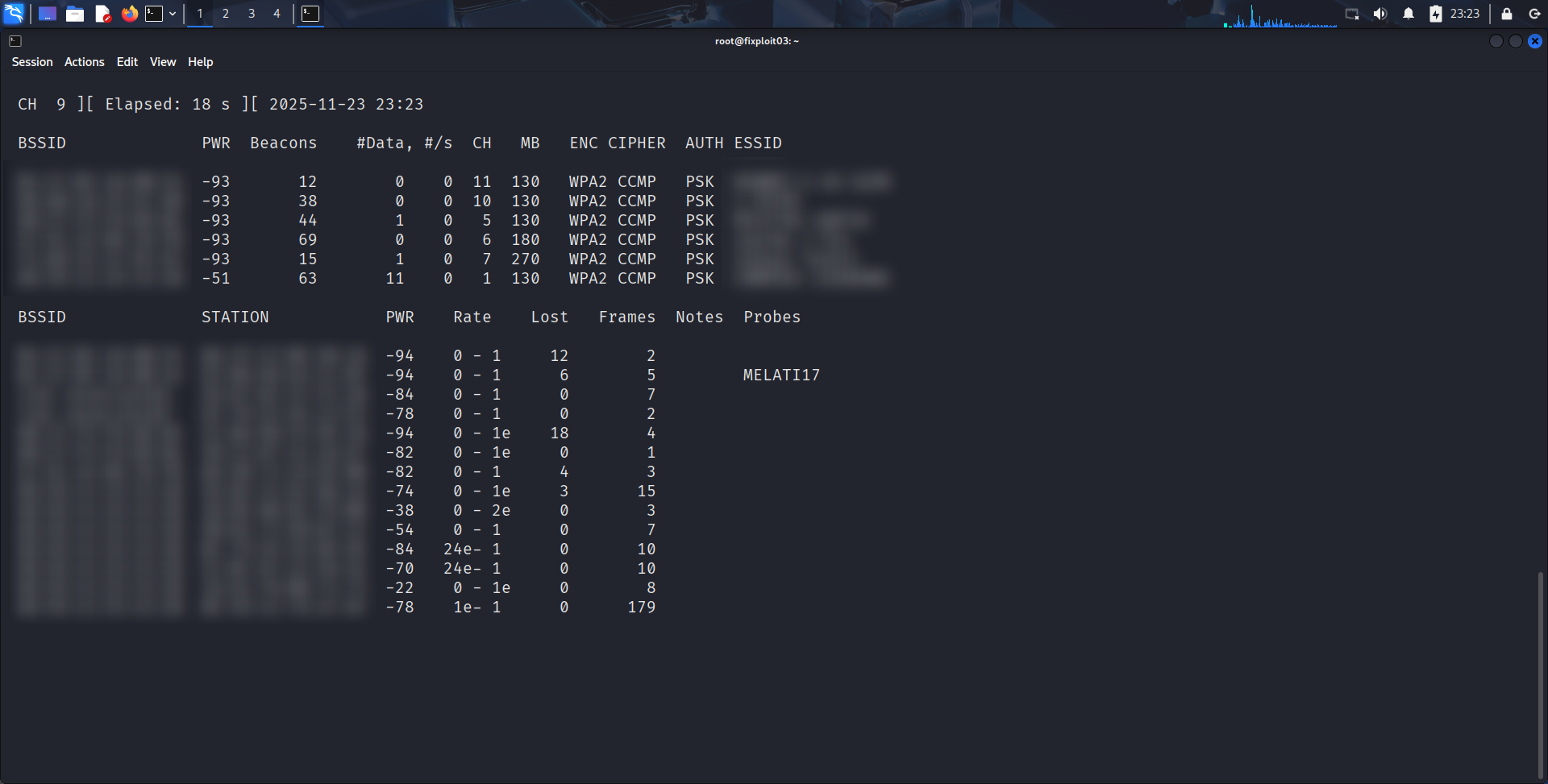
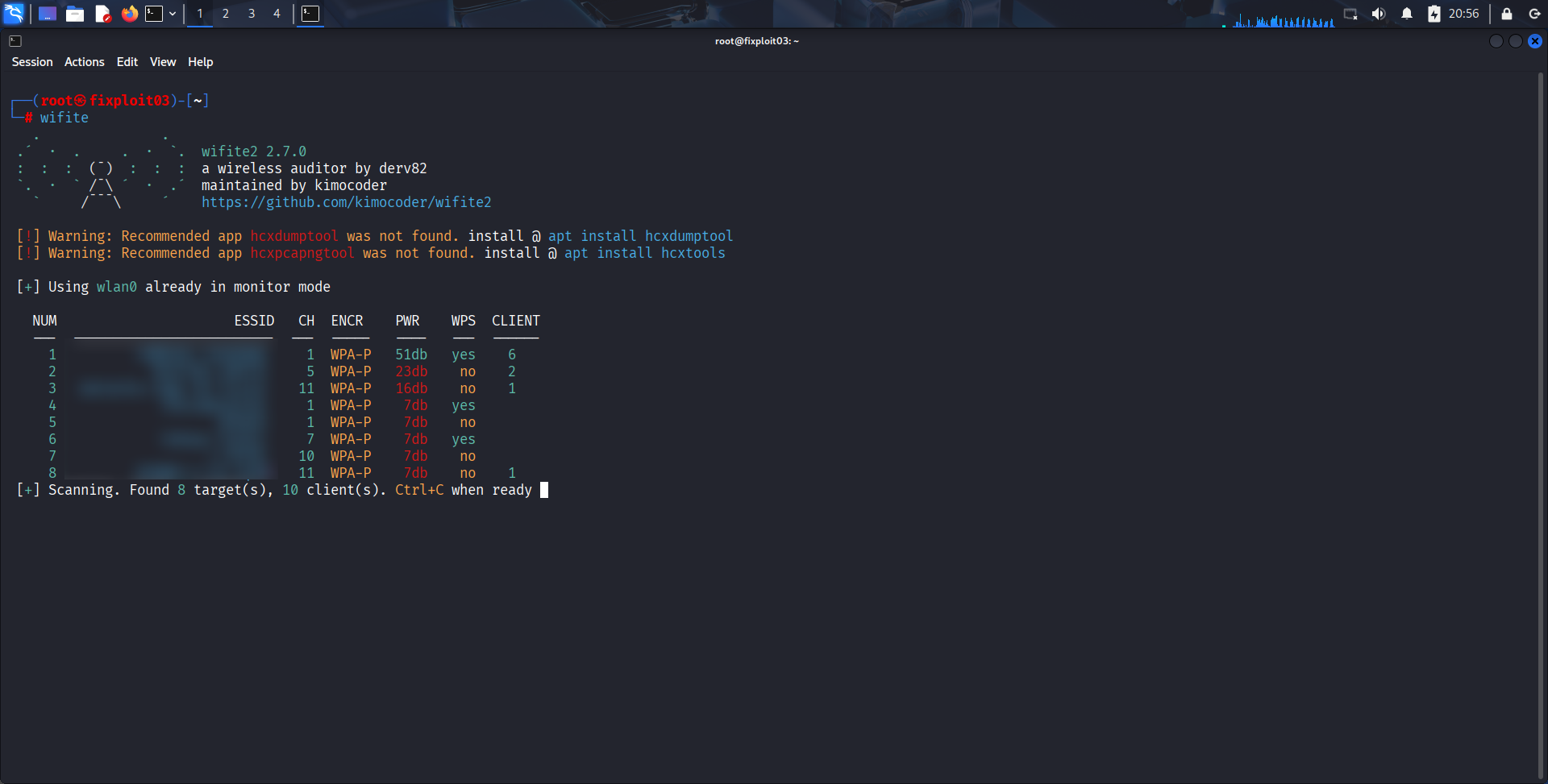
Kalau ada masalah atau kendala saat proses instalasi, bisa ditanyakan di sini.