
Color e-ink 'planes that flew by' sunroom frame — options, decision matrix, photos, $260–$1,200 tiers (2026-06-12)
A wall‑mounted color e‑ink frame for the sunroom that shows the aircraft flying through the eastern sky over Bullough's Pond, auto‑updated each hour from a home server. The airplane analog of Teddy Warner's AvianVisitors bird collage, paired with the Skylight ADS‑B receiver (FlightAware Pro Stick Plus + antenna).
All prices and capabilities live‑verified against vendor pages and official API docs, 2026‑06‑13.
It's the one device that does everything we need with no DIY and no cloud dependency:
- 13.3" E Ink Spectra 6 — the best color e‑ink technology available (the ceiling; visibly better than the Kaleido 3 used in color e‑ink tablets).
- Finished aluminum frame + white mat — already a gallery‑grade object, no enclosure to build.
- 10,000mAh battery (1–3 years on daily refresh; we'll likely wall‑power it since we update hourly).
- A documented LOCAL image API — the decisive feature. BLOOMIN8 publishes an OpenAPI 3.0 spec and the official Home Assistant client POSTs to
http://{device‑LAN‑IP}/upload— a real on‑LAN endpoint, not a cloud relay. Our server pushes the hourly plane image straight to it over WiFi, as often as we want, with clean image rotation. (API ref)
The full local API: /upload (arbitrary JPEG), /image/dataUpload (pre‑dithered), /show, /showNext, /image/delete, /gallery (list/create/delete), /clearScreen, /settings — no auth, LAN‑only. The delete + gallery endpoints mean no storage‑cap problem and indefinite rotation.
Buy the bare 13.3" EinkCanvas direct from BLOOMIN8 — cheaper and faster than Amazon, identical seller.
| Seller | Price | Shipping | Delivery | Sold by | Link |
|---|---|---|---|---|---|
| bloomin8.com (official) ⭐ | $449.10 (Father's Day sale, from $499) | Free | ~1 week | BLOOMIN8 | buy here |
| Amazon | $499.00 | Free | ~Jun 30 | BLOOMIN8 (same) | listing |
- Official store saves $49.90 and arrives ~1.5 weeks sooner, from the identical manufacturer. Amazon's only edge is buyer‑protection/returns. → Buy direct.
- Coupons: none exist (verified). Beware lookalikes — "Bloomin 40% off" results are a different company (flowers/seed‑paper); the rest are canvas‑print services. The Father's Day sale ($449.10, auto‑applied) is the discount; buy before it ends.
- Skip the optional +$149 walnut/gold wood frame — the canvas already has a finished aluminum body; the wood frame is cosmetic‑only and can be added later.
The receiver and the display are two boxes in two places, joined over WiFi — this is forced by physics (see housing).
  ┌─ NEAR A WINDOW (sky view) ────────┐        ┌─ ON THE SUNROOM WALL ─────┐
  │  FlightAware Pro Stick Plus       │        │  BLOOMIN8 EinkCanvas 13.3"│
  │   (USB SDR dongle) + 1090 antenna │        │   color e‑ink, WiFi,      │
  │            │ USB                  │        │   local /upload API       │
  │            ▼                      │  WiFi  │            ▲              │
  │      "THE BRAIN" (a computer)     │ ──────▶│   HTTP POST /upload       │
  │   • dump1090‑fa  (decode planes)  │  (LAN) │   (every ~hour)           │
  │   • hourly job: aggregate eastern │        └───────────────────────────┘
  │     planes → Gemini image →       │
  │     POST jpeg to frame's LAN IP   │
  └───────────────────────────────────┘
Why three parts, not two: the Pro Stick Plus is a USB SDR that cannot run standalone — it needs a host computer running dump1090 to decode planes. The frame is a display with no USB port and no compute. So a small computer (the "brain") sits between them.
The home is an open‑layout first floor with the Mac at a front window and the sunroom/viewing at the back, ~60 ft away. That distance is a non‑issue: it's only ever crossed by WiFi carrying one JPEG per hour. The only short‑distance constraint is the USB dongle ↔ its host (USB caps at ~5m/16ft standard, ~30m with an active cable) — so the dongle just needs to be plugged into whatever computer is the brain, at a window.
V1 — use the Mac (ship this first, $0 extra compute).
- The front‑window Mac is a good antenna spot (front window, sky view). Plug the dongle into the Mac (short USB), antenna in the front window.
- Mac runs
dump1090+ the hourly Gemini render, then POSTs the image ~60 ft over WiFi to the frame in the back. ✅ - Caveat: only updates while the Mac is awake/on. Fine for V1; this is the proof‑of‑concept.
V2 — dedicated Raspberry Pi 5 (4GB), ~$90 all‑in (Pi + PSU + SD + case).
- Move the dongle + antenna onto a Pi at a window (front or back — wherever the sky view is best). Pi owns the whole pipeline 24/7 at ~5–8W and POSTs to the frame.
- The Mac becomes irrelevant — it can sleep, travel, whatever. This is the "set‑and‑forget always‑on appliance" version.
- (Pi 4 ~$55 also fine + lower power; Pi Zero 2 W runs dump1090 but is too weak for the image generation — only if the Gemini render runs off‑box.)
The 60‑ft front/back gap never needs closing — the antenna catches the same planes from a front window (ADS‑B reaches 100–250+ mi; it doesn't care which window), and the frame just displays the result wherever it hangs.
dump1090‑falogs every aircraft in range (home: lat 42.337, lon ‑71.209), filtered to the eastern viewing arc + altitude visible over Bullough's Pond.- Hourly cron aggregates that hour's unique aircraft (callsign, type, airline, altitude).
- Build a Gemini prompt → generate a 1200×1600 JPEG collage of the planes that flew by.
curl -F image=@hour.jpg "http://{frame‑IP}/upload?filename=hour.jpg&show_now=1"→ displays instantly.- Rotate with
/image/delete+ galleries (no storage‑cap problem).
The dongle and antenna must NOT live inside the frame. The 1090 MHz antenna needs a clear sky/window view and must be away from metal, brick, and concrete — and the BLOOMIN8 frame is aluminum (metal) on an interior wall, the worst spot for reception. The frame is also sealed with no port for a dongle.
So there are two locations, deliberately apart:
- The radio side (at a window):
- V1: the dongle plugs into the front‑window Mac; antenna in that front window. No new housing.
- V2: a small case (or a 3D‑printed box — a good Niam project) holding the Pi + Pro Stick Plus, antenna at the window, one USB‑C wall plug. Can live at any window with WiFi.
- The frame (sunroom wall): the BLOOMIN8 as‑is, wall‑mounted. Needs WiFi + occasional charging (or a thin USB‑C cable for permanent power since we update hourly).
They talk only over the LAN, so they can be in different rooms. This beats one box: the antenna gets its window, the frame gets its wall, neither compromises. If you want a single sculptural object in the sunroom, hide the radio box nearby (on a sill / behind furniture with sky view) — but don't entomb the antenna in the metal frame.
| Device | Color | Server push | Enclosure | Why not |
|---|---|---|---|---|
| BLOOMIN8 EinkCanvas 13.3" ✅ | Spectra 6 | Local API | Finished | — (the pick) |
| Waveshare 13.3" ESP32‑S3 ($260) | Spectra 6 | Local (DIY firmware) | Bare panel | Best self‑hosted fallback, but no finished frame. |
| Seeed reTerminal E1004 ($280) | Spectra 6 | ESPHome (local) | Metal, finished | Nice, but no documented direct image‑upload endpoint for arbitrary server JPEGs. |
| SwitchBot AI Art Frame 13.3" ($350) | Spectra 6 | Cloud‑routed | Finished | API is cloud‑routed + 10‑image cap with a no‑delete gap → breaks frequent push. |
| Aura Ink ($499) | Spectra 6 | Email‑to‑frame only | Premium | No clean HTTP push; closed platform. |
| Boox Note Air 4 C ($470) | Kaleido 3 | Android kiosk app | Tablet | Weaker color than Spectra 6; it's a tablet, not a frame. |
| Samsung EM13DX (~$675) / InkPoster Tela ($2,099+) | Spectra 6 | Enterprise CMS / community bridge | Finished | Spending more buys size + polish, not better color — Spectra 6 is the same panel. Overkill, weaker push story. |
Bottom line: Spectra 6 is the color ceiling and BLOOMIN8 hits it in a finished frame with a real local API at $449 — nothing more expensive does the push better for our use case.
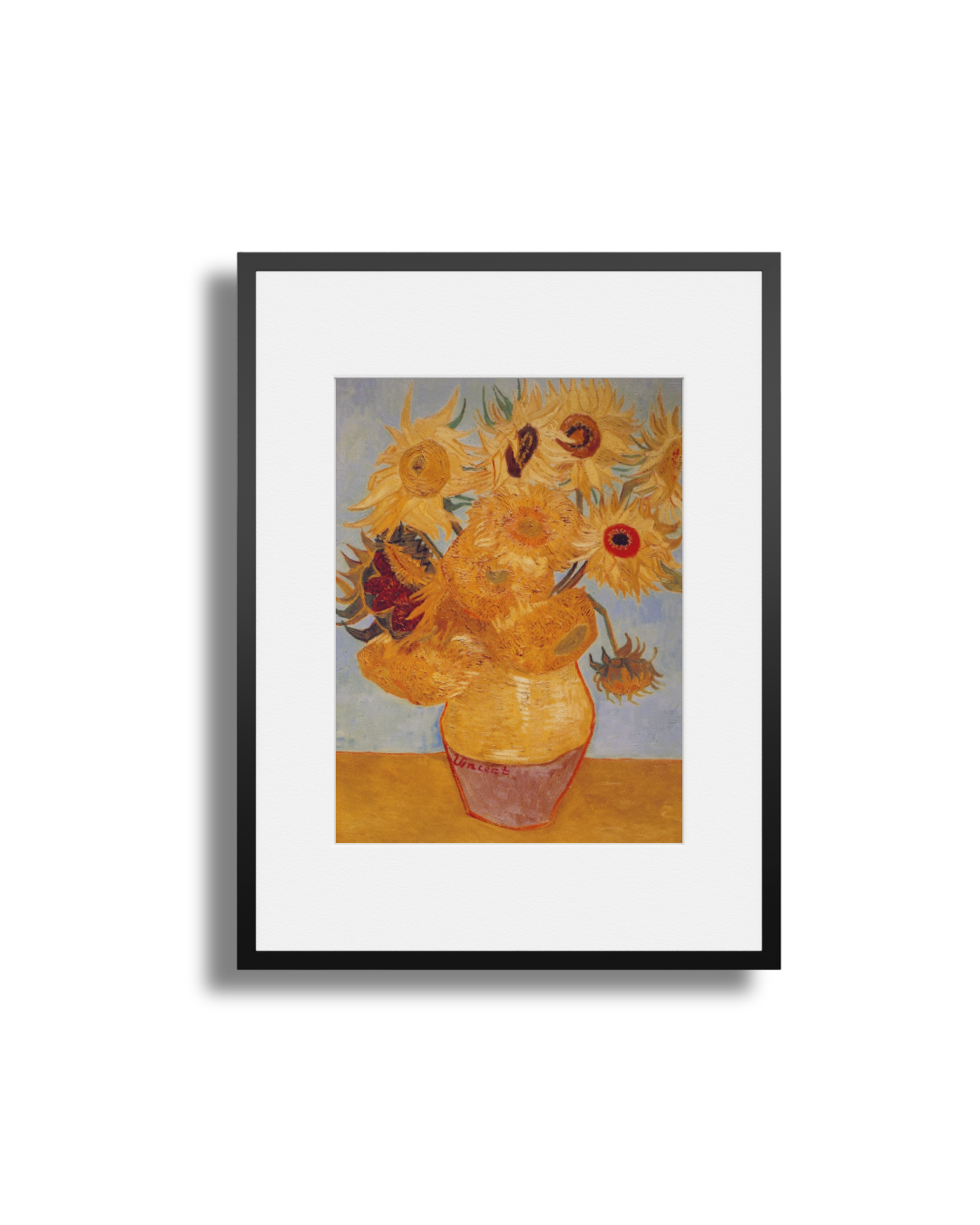
What Spectra 6 color looks like:


BLOOMIN8 EinkCanvas 13.3" · BLOOMIN8 OpenAPI spec · BLOOMIN8 /upload API ref · FlightAware Pro Stick Plus · ADS‑B antenna placement · AvianVisitors (inspiration) · Waveshare 13.3" ESP32‑S3 · Seeed reTerminal E1004 · SwitchBot 10‑image gap (issue #486)