
Starting with the Fall Creator Update of Windows 10, it has included the windows subsystem for linux feature iwhich allows you to run linux binaries natively on windows - F.A.Q.
The feature is not enabled by default and you need to activate it, you can do it via powershell (with admin rights):
Enable-WindowsOptionalFeature -Online -FeatureName Microsoft-Windows-Subsystem-Linux
Or you can open: Control-Panel -> Programs -> Turn Windows feature on or off, and click the "windows subsystem for linux (beta)" button.
Installing linux from the windows store is the preferred method. Open the windows store, search for "linux" Unless you are very familiar with Linux and want a different disribution, you should select Ubuntu, as it is the default and most commonly used. Choose Ubuntu and "Get"

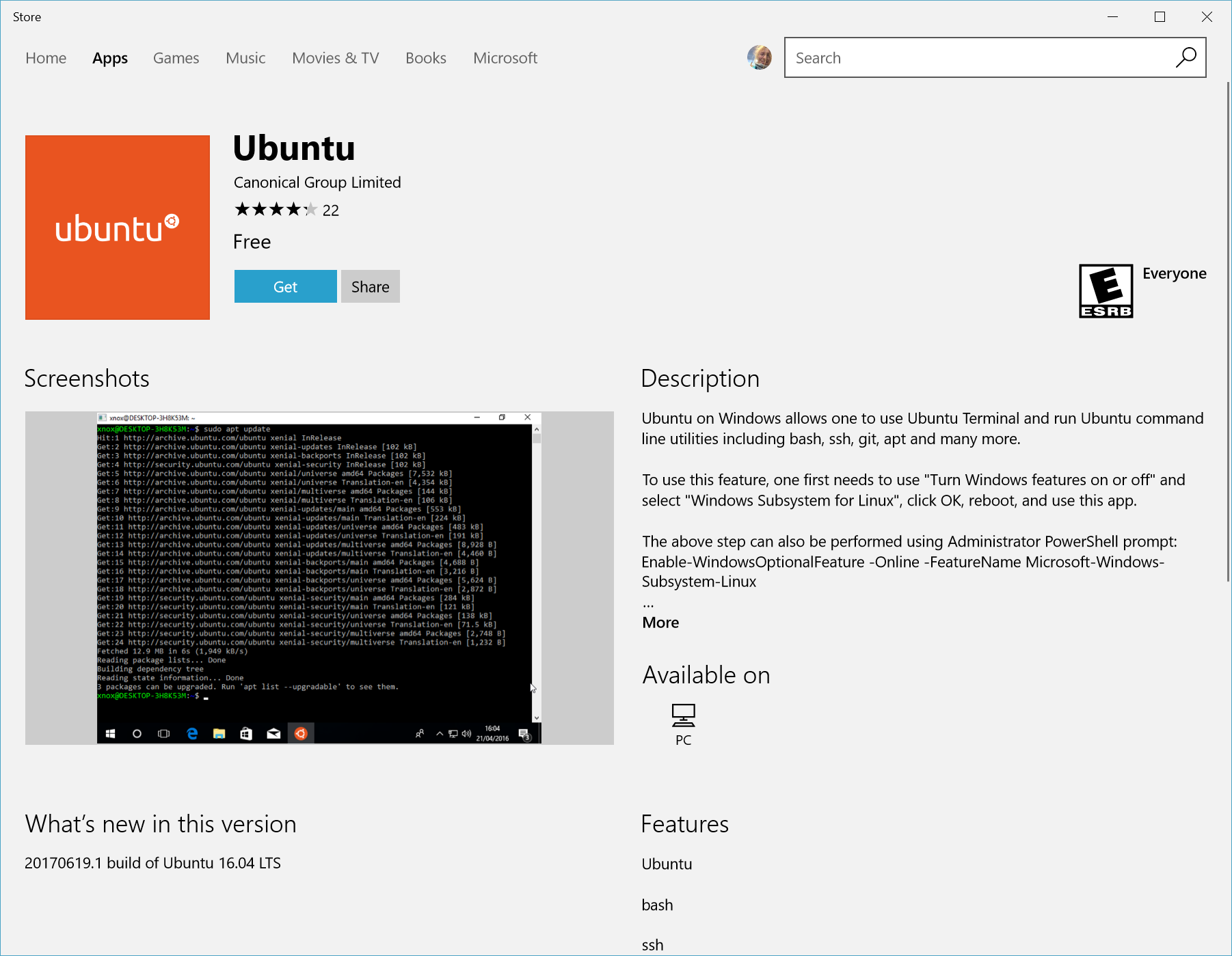
Complete and initialize the installation by launching Ubuntu. This can be done with the "launch" button in the windows store, or by searching for "Ubuntu" (or your chosen distribution) in Cortana
A Console window will open and ask you to wait for a while.. this can take a few minutes
Once installation is complete, you will be prompted to create a new user account (and its password).
First We'll start by updating linux, for those of you that are not familiar with linux this require running the process as root by add the sudo command before the command we need to execute:
sudo apt update && sudo apt upgradeYou'll need to enter your user password (the one you just created) to proceed.
The screen will fill with messages for the repositories being updated from, then a list of packages to be upgraded followed by a prompt
Do you want to continue? [Y/n]Pres enter and let the installation complete
We also need to install some basic build tool for node-gyp - node binaries build tool.
sudo apt install build-essentialwhen promted
Do you want to continue? [Y/n]press enter
I do not recommend on the "official" to install node, node rapid development life cycle (and the entire ecosystem for that matter) leads more then often for the need to have tight control over the node binaries version, or more likely to have to project running on different versions of node (such as LTS versions).
NVM tool gives you the ability to install and use multiple version of node, and prevent the (bad) usage of sudo for running node application, installation is via the command line:
curl -o- https://raw.githubusercontent.com/creationix/nvm/v0.34.0/install.sh | bash
Restart your terminal after install.
Now just install the latest the latest stable version of node:
nvm install stable
To update node just run the command again.
One thing you'll have to remember when use NVM is that you'll need to explicitly specify the node version you want to use (installing does it automatically on the end of the install), so next time you'll login to ubuntu you'll need to run the command:
nvm use stable
Your windows hard disk drivers are mounted in linux under /mnt/<drive letter>/ so you can access any folder via linux and run whatever command you need in order to get your project up and running, missing needed tools can be installed via npm or apt-get for system tools.
IDE terminal integration support is still on its early days, vscode offers support with minimal configuration, guide. If your IDE just point to the executable (like cmd.exe) check if you can point it to c:\Windows\System32\bash.exe.