

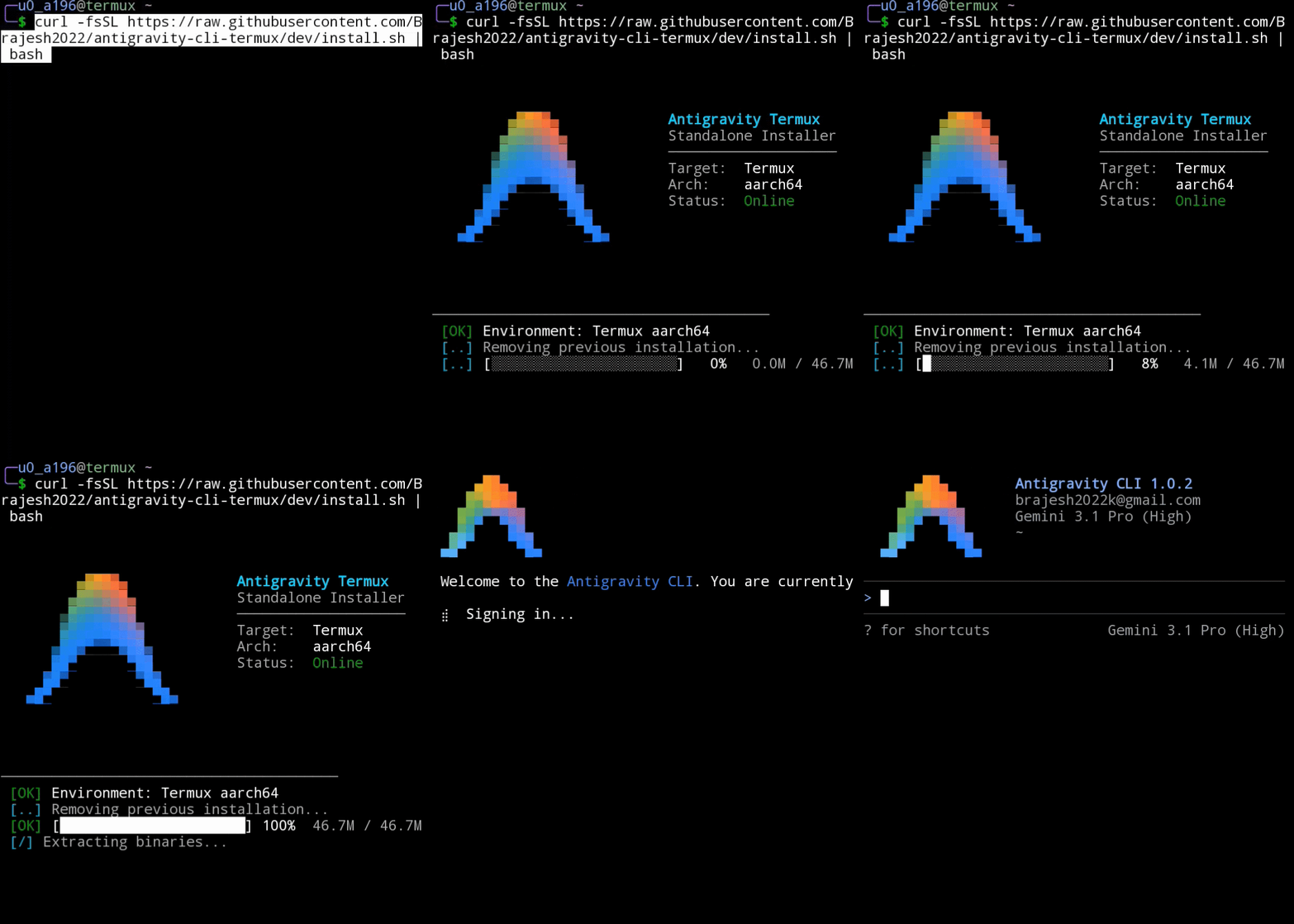
 The easiest and community-recommended way to install Antigravity CLI on Termux is using the standalone auto-installer.
curl -fsSL https://raw.githubusercontent.com/wallentx/antigravity-cli-termux/dev/install.sh | bashHow it works: This script instantly installs the latest release directly from the wallentx/antigravity-cli-termux repository. A huge thanks to the original repository owner, @wallentx, for packaging these releases! The repository automatically runs a GitHub Action every six hours that fetches the official binary and patches it using the exact methods outlined in this guide below.
