

Got GrapheneOS on your daily driver and wondering how to actually get apps without compromising your privacy? This guide drops the absolute safest, most based, and the chaddest way to install your apps.
First things first: right after a fresh GrapheneOS install, your safest bet is the built-in App Store. You’ll use this store to update crucial system apps like the Camera and the Vanadium browser. It's also where you can download the sandboxed Google Play Store (if you absolutely need it) and pull our next app provider, the Accrescent app store.
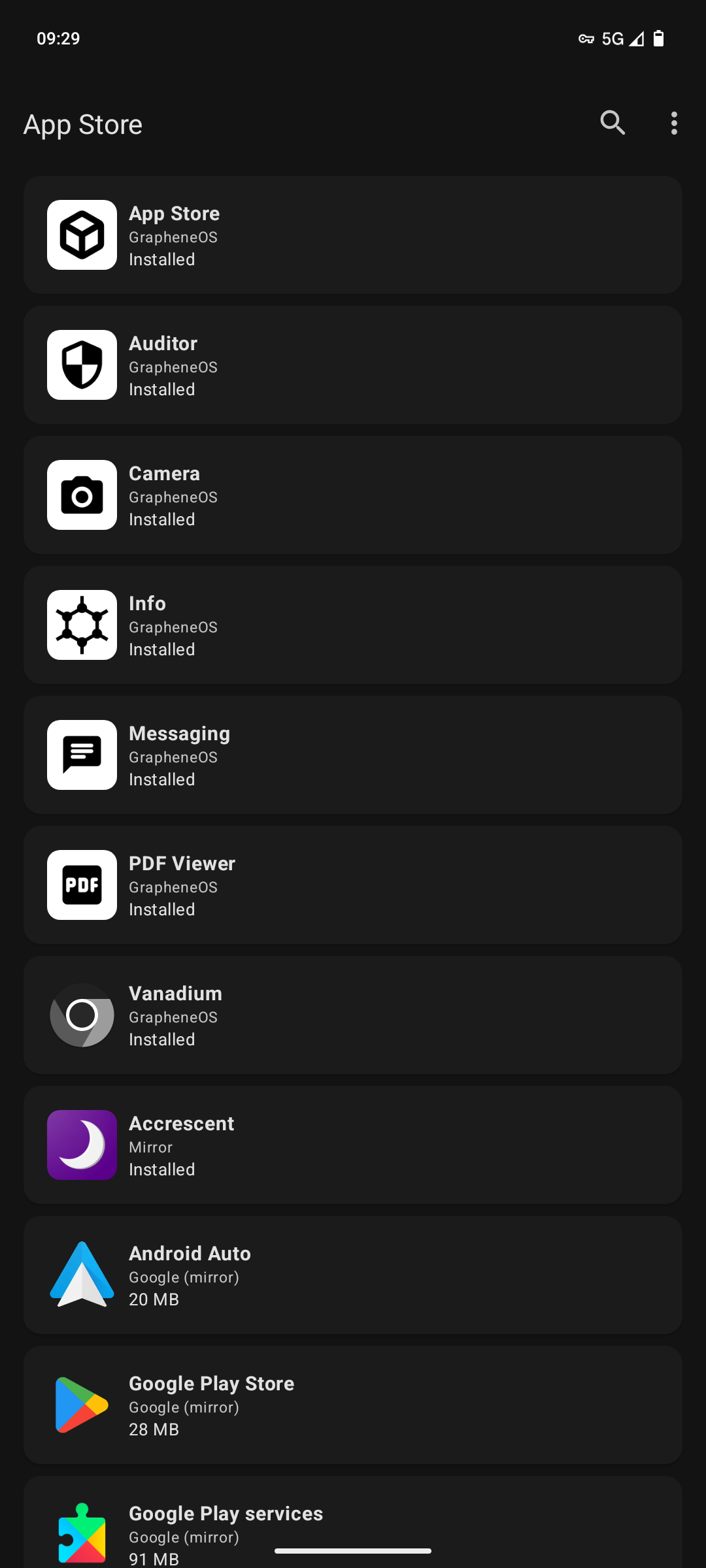 Image of GrapheneOS's App Store
Accrescent is a secure and privacy friendly app store. It lets you install privacy-friendly FOSS (Free and Open-Source Software) apps like Organic Maps (Offline maps app), IVPN (a zero-log VPN that actually respects you), and Easy Notes (Private and secure note taking app).
But the absolute must-have from here is App Verifier. It automatically checks the cryptographic hashes of your installed APKs to make sure you aren't downloading any tampered apps.
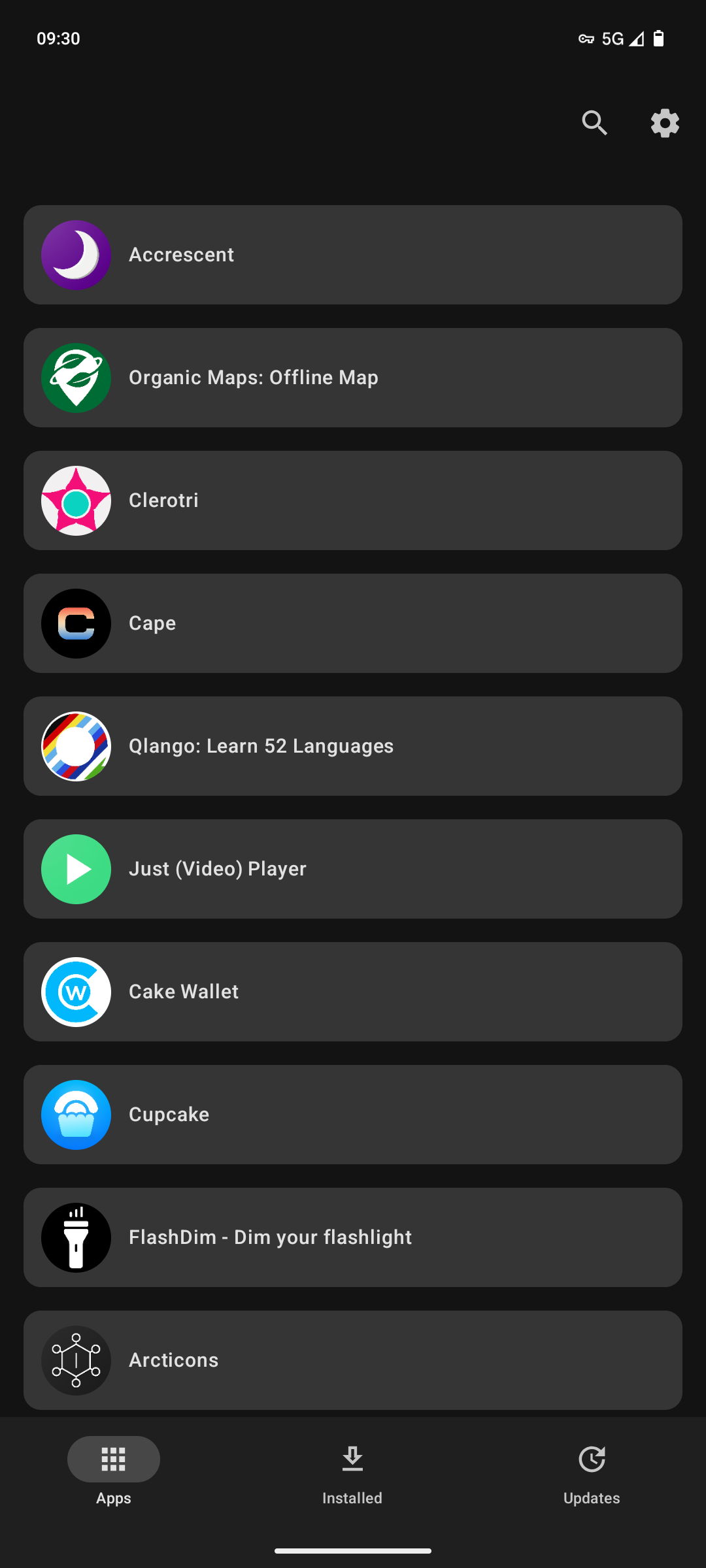 Image of Accrescent's home page
If an app isn't on Accrescent, Obtainium is the only other tool you need. It skips the sketchy third-party repositories and lets you install and update apps directly from their official release pages (like GitHub, GitLab, and F-Droid). No middleman. Plus, it hits you with notifications the second a new release drops.
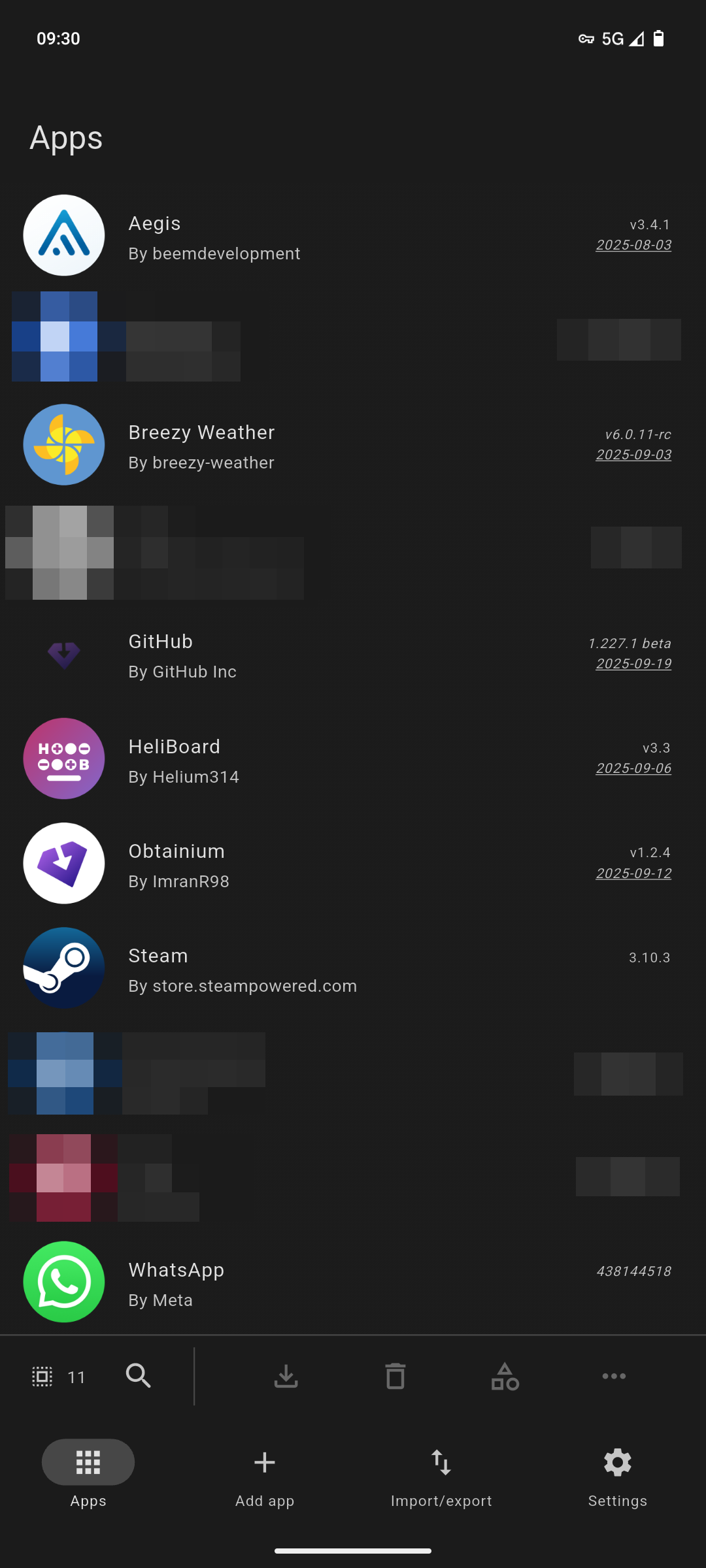 Image of Obtainium's home page
GrapheneOS App Store + Accrescent + Obtainium + App Verifier = the god-tier setup for your device. Trust.
If you're forced to use the Google Play Store and its proprietary apps for work or school, don't let them touch your main profile. Toss Google Play Services and all those apps directly into GrapheneOS's Private Space. It gives you clean, OS-level isolation without the hassle of setting up completely separate user profiles.
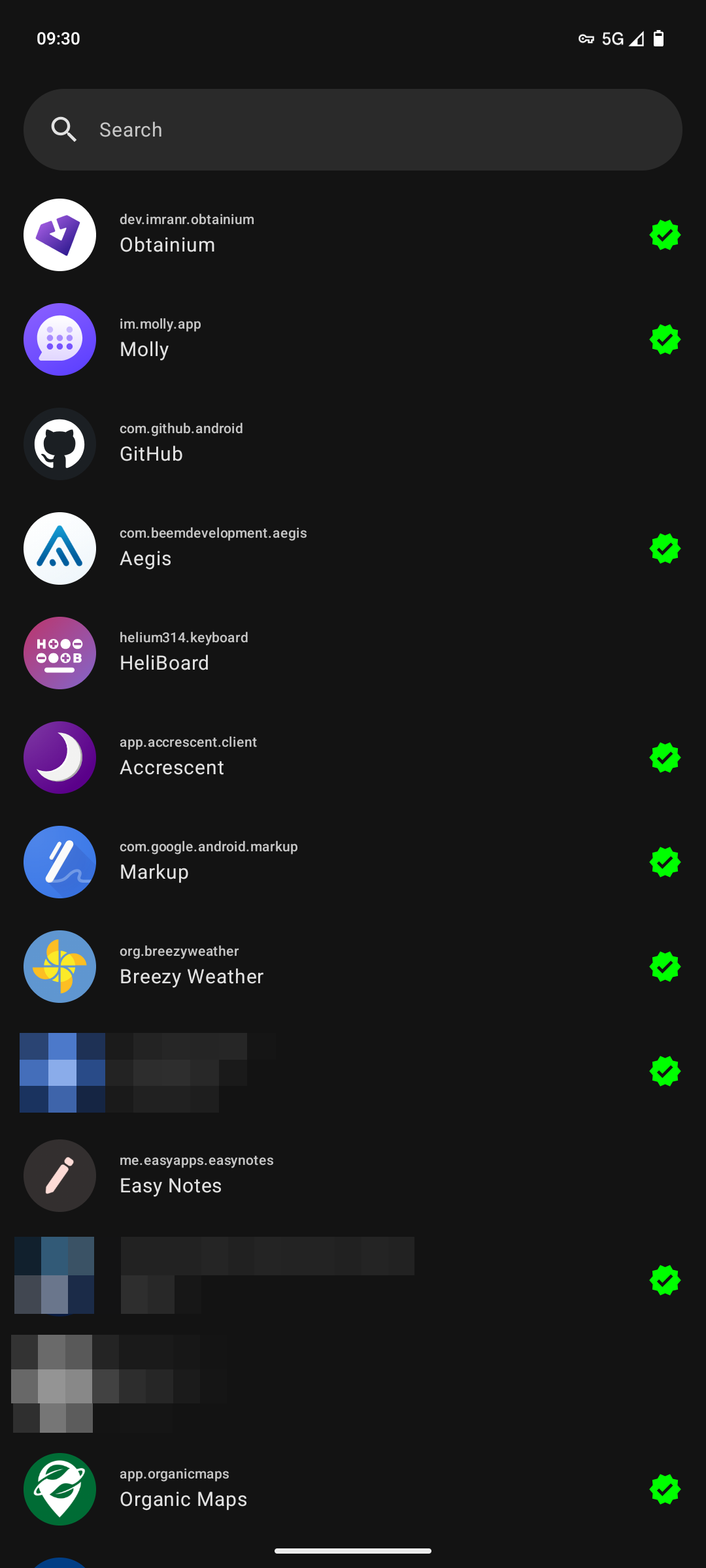 Image of the app list in App Verifier